Hi,
How do I get the name of the machine DP is running while running a script and passing that name to a SQL query to Oracle?
Thank you!
Hi,
How do I get the name of the machine DP is running while running a script and passing that name to a SQL query to Oracle?
Thank you!
I can see 2 ways of getting this info from command line; could any of those be leveraged to set a variable in DP and then use this variable in a SQL query?
Variation 1: echo %COMPUTERNAME%
Variation 2: C:\Windows\system32\hostname.exe
Thank you
Hello,
TDP doesn’t have built-in variables that will return the hostname of the machine, this is something that can be done via SQL inside of you Oracle script.
However, depending on you use case, it might be possible to achive this with a Toad Automation Variable.
Open Toad Automation, and select the Set Variable step from System Activities. Then set the variable name and specify SQL as the type for the variable.
Then in the editor that is displayed, enter the SQL that would extract the hostname of the machine where the Automation script is running:
Then, use this variable in a SQL script that you are executing. Choose an appropriate step that meets your needs. In this example, I am using the Execute Script automation step from Database activities, and I am using the variable in an Insert statement:
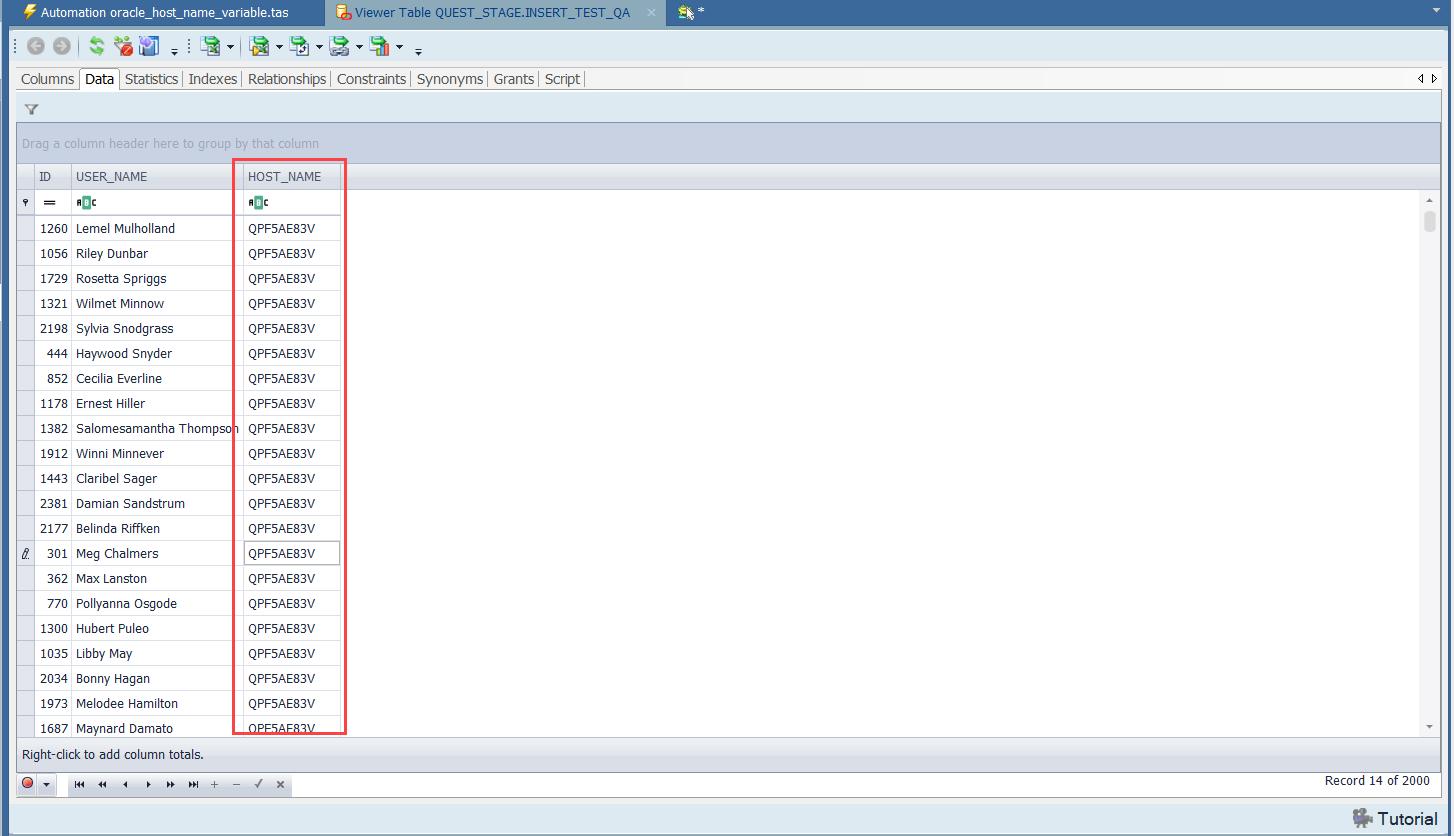
And this i the output that my steps have created (Inserted the value from the :HOST_NAME variable into the INSERT_TEST_QA table in my example):
NOTE: In this example, I used the following Oracle query with the SYS_CONTEXT function for returning the hostname of the machine:
SELECT SUBSTR(SYS_CONTEXT('USERENV', 'HOST'),
              INSTR(SYS_CONTEXT('USERENV', 'HOST'), '\', -1) + 1) AS hostname
FROM DUAL;
This is exactly what I needed! Thank you so much!
Marked your answer as Solution