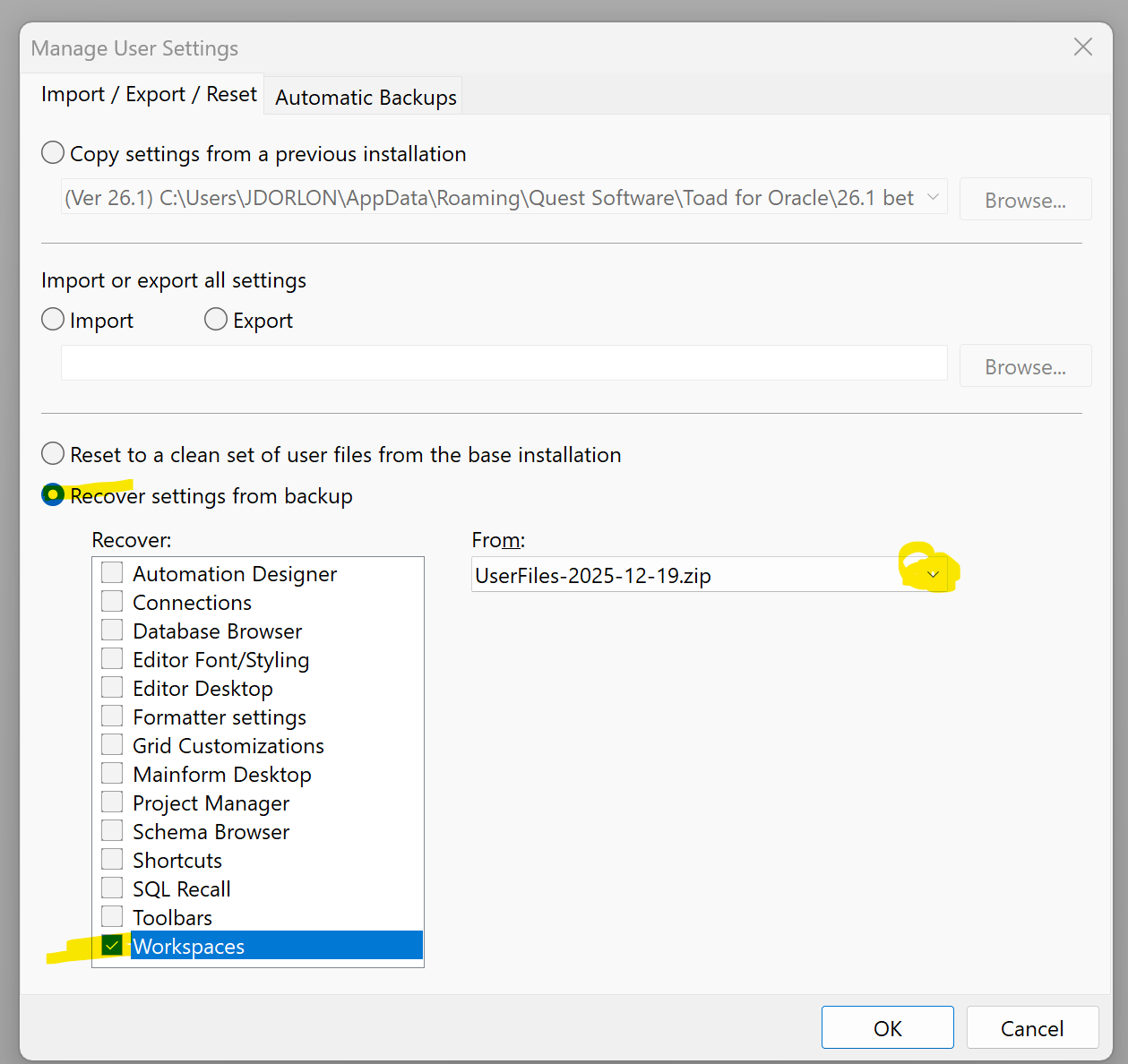
The content of the workspace I was working on in the previous version was lost after updating to the current version.
Windows 11
Toad for Oracle Base Edition (64-bit)
Add-Ons:
26.1.126.7769


Can I get it back?
It remains the same, it's as if that specific workspace cannot be displayed. I have rolled back to 19 December without success.
The difference was updating to the latest beta version.
Are you sure that there are no windows open, maybe far off to the right or down?
Click the "Window" menu to see if any windows exist.
If you email me your workspaces.dat file, I will take a look at it.
We added ability to import/export selected workspaces in November. That was the last workspace change that I am aware of.
One thing you can try with the various backups:
After restoring a backup, export the problematic workspace to a text file like this:
The Export dialog will tell you how many connections and windows that each workspace contains. This can tell us if the workspace really doesn't have these windows anymore, or if Toad is having some problem opening the workspace.
I am sending you my file by email. I can find the workspace at this path:
C:\Users\usuario\AppData\Roaming\Quest Software\Toad for Oracle\26.1 beta\User Files
right?
That is correct
I think somehow the workspace got saved while you didn't have any connections or windows open.
Is it possible that
<No workspace selected>)That's all I can think of.
Maybe an older backup still has the contents of that workspace
I have a copy containing information in the workspace that I need. But I ONLY need to restore the specific workspace and not everything. Can I do that?
Yes. Follow these steps.
C:\Users\YOUR_USER_NAME\AppData\Roaming\Quest Software\Toad for Oracle\26.1 beta\User Files\Workspaces.datPry-Analysis--BOLETIN--Des-v2 workspace and click OK. Save it to some file like c:\temp\Pry-Analysis--BOLETIN--Des-v2.txtC:\Users\YOUR_USER_NAME\AppData\Roaming\Quest Software\Toad for Oracle\26.1 beta\User Files\Workspaces.datc:\temp\Pry-Analysis--BOLETIN--Des-v2.txtI followed the steps you indicated and was able to restore a version so as not to lose everything.
Thank you John